
 iPhone / iPad
Studies matched to you
 App Store
Choose your device. For study invitations, use the invited edition.
 Studies
 Rewards
 Your choiceiPhone / iPad
Studies matched to you
App Store Android · Google PlayPublic studies · surveys
 Google Play
 Android · invited study edition
Use only with a study invitation
 Download invited edition
Download started. When it finishes, follow the four steps below.
About . Wi-Fi recommended.
If the browser says “File might be harmful”, tap “Download anyway”
Android shows this for every app from outside an app store.
When the download finishes, tap “Open”
You can also find it in your notifications or Downloads.
When asked, allow apps from this source
You only need to allow this once. Then go back and continue.
Tap “Install”, then open Vision
The first time you open it, Vision guides you through the permissions.
If Google Play Protect blocks the install, stop and contact the study team or Vision support; do not pause or turn off Play Protect.
The invited Android edition requires Android 8.0 or later; iOS requires iOS 17 or later. Only HarmonyOS devices that support Android apps can use this package. For HarmonyOS NEXT, contact the study team.
If the browser says “File might be harmful”, tap “Download anyway”
Android shows this for every app from outside an app store.
When the download finishes, tap “Open”
You can also find it in your notifications or Downloads.
When asked, allow apps from this source
You only need to allow this once. Then go back and continue.
Tap “Install”, then open Vision
The first time you open it, Vision guides you through the permissions.
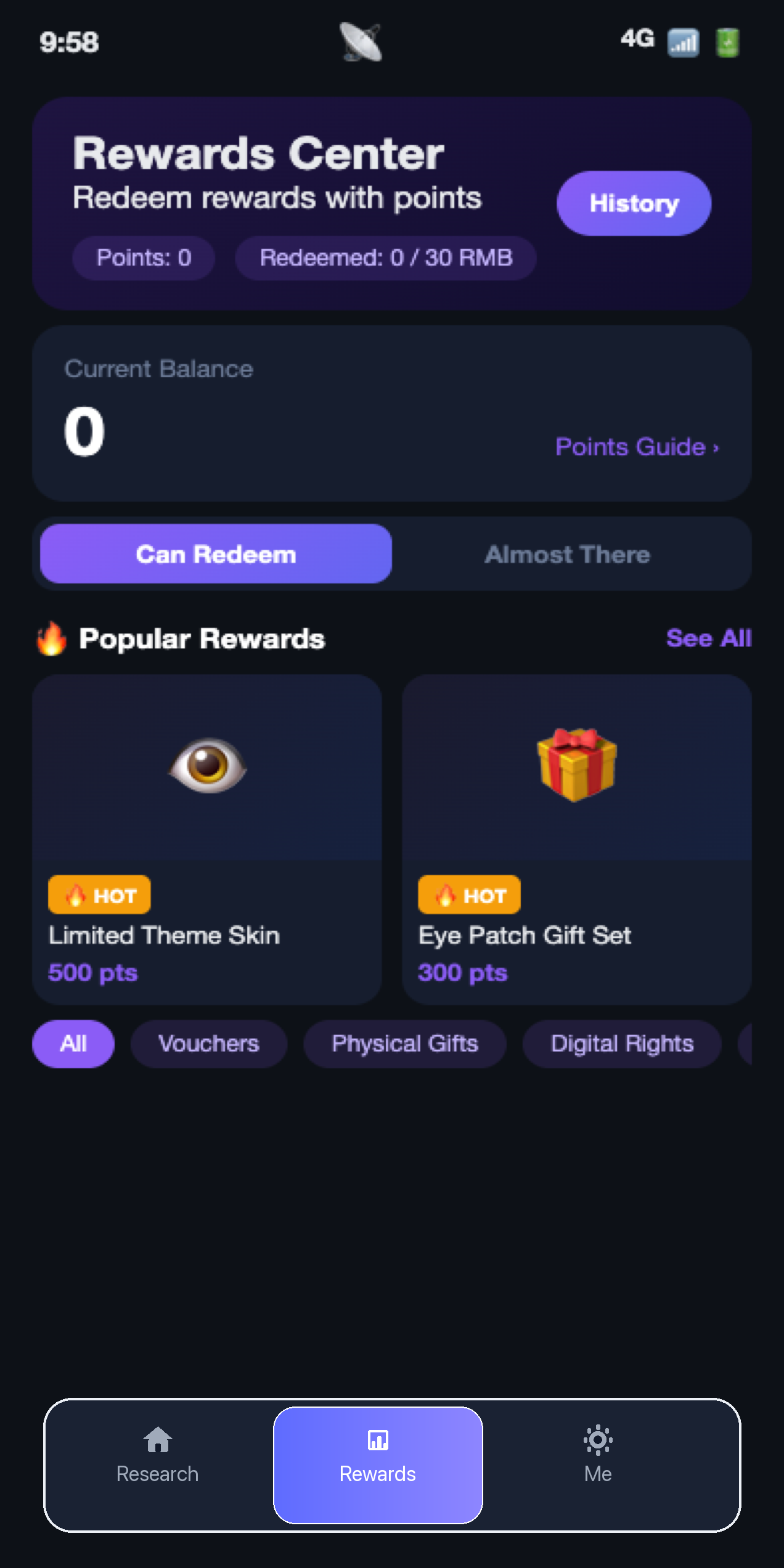
Vision turns your real experiences into something valuable. Take part in research to help brands make better decisions, and earn redeemable rewards for eligible valid participation — you decide whether to join each study and review its privacy boundaries before starting.
You need an account approved by the research organization.
Each study explains task requirements, permissions, and privacy boundaries before you start.
If Google Play Protect blocks the install, stop and contact the study team or Vision support; do not pause or turn off Play Protect.
If you are not sure which version to install, contact the study team or Vision support.